
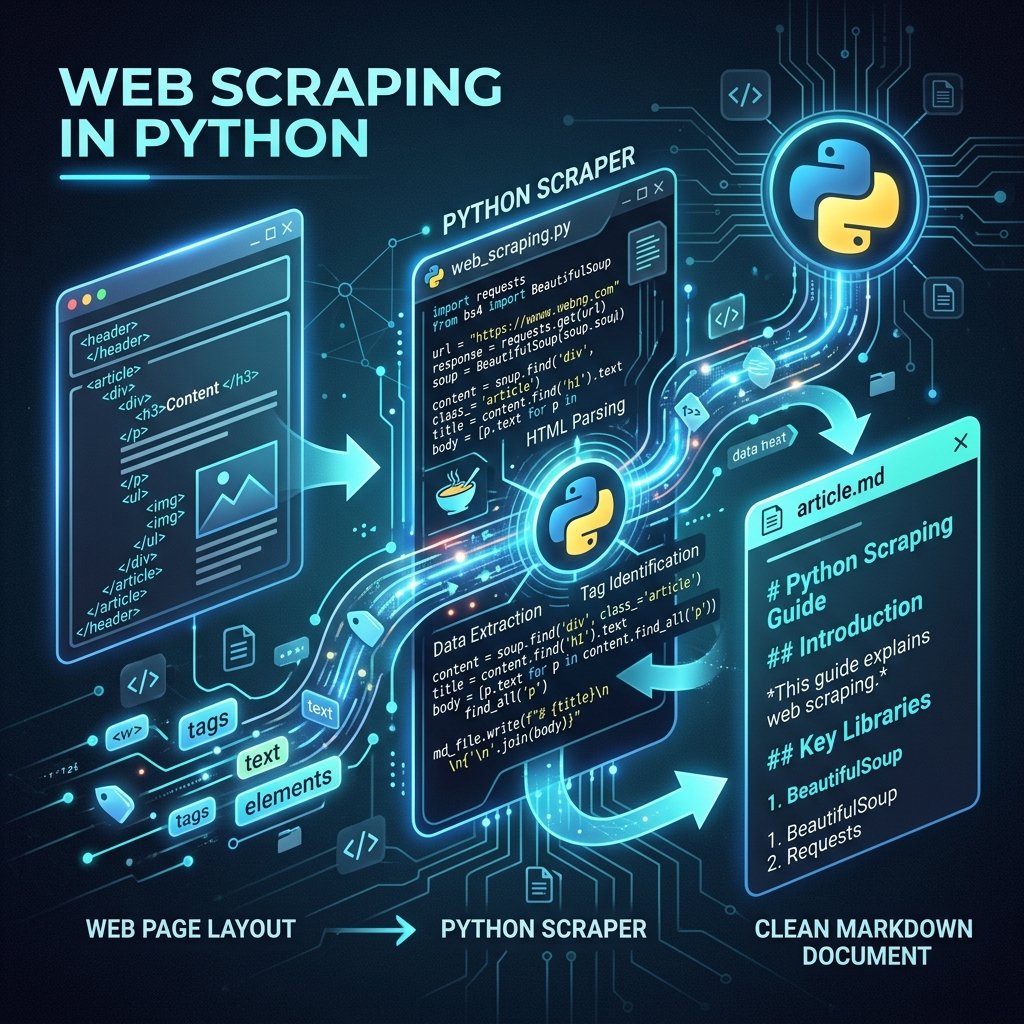
In the age of local LLM models and custom AI agents, feeding clean text to models is one of the most common tasks. Raw HTML files are loaded with boilerplate code (header navigation links, script payloads, styling instructions, and footer grids) that clutter the context window and waste processing tokens. To extract value, we need to convert complex web structures into clean, structured **Markdown** files.
Writing manual scrapers for every target website is tedious. In this guide, we build an automated Python scraping engine that downloads target articles, strips layout noise, and formats heading structures, bullet lists, and code blocks into standard markdown natively. This allows you to compile clean, text-only databases for your AI workflows.
1. Extracting Clean Content Natively
The standard tool for web parsing in Python is **BeautifulSoup**. However, simply parsing text returns all elements. The trick is to systematically strip header elements, navigation nodes, sidebars, forms, and tracking pixels *before* saving the content body.
Once only the article layout remains, we map standard HTML tags (like <h1>, <p>, <pre>, and <li>) to their Markdown equivalents (#, normal lines, code blocks, and dashes).
2. Scripting the Markdown Scraper
Below is the complete, self-contained Python script we use to scrape technical tutorials. It uses Python's standard library alongside `BeautifulSoup` to process URLs and export clean markdown outputs:
import urllib.request
from bs4 import BeautifulSoup

def scrape_to_markdown(url, output_path):
    print(f"[*] Fetching target page: {url}")
    headers = {'User-Agent': 'Mozilla/5.0 (Windows NT 10.0; Win64; x64)'}

    try:
        req = urllib.request.Request(url, headers=headers)
        with urllib.urlopen(req) as res:
            html = res.read()

        soup = BeautifulSoup(html, 'html.parser')

        # Strip boilerplate components to clean content
        for element in soup(["header", "nav", "footer", "aside", "script", "style", "form"]):
            element.decompose()

        # Target the main article element (default fallback to body)
        main_content = soup.find('article') or soup.find('main') or soup.find('body')

        markdown_lines = []

        # Traverse elements and translate to markdown formatting
        for el in main_content.find_all(['h1', 'h2', 'h3', 'p', 'li', 'pre']):
            if el.name == 'h1':
                markdown_lines.append(f"\n# {el.get_text().strip()}\n")
            elif el.name == 'h2':
                markdown_lines.append(f"\n## {el.get_text().strip()}\n")
            elif el.name == 'h3':
                markdown_lines.append(f"\n### {el.get_text().strip()}\n")
            elif el.name == 'p':
                markdown_lines.append(f"\n{el.get_text().strip()}\n")
            elif el.name == 'li':
                markdown_lines.append(f"- {el.get_text().strip()}")
            elif el.name == 'pre':
                markdown_lines.append(f"\n```\n{el.get_text().strip()}\n```\n")

        with open(output_path, 'w', encoding='utf-8') as f:
            f.write("".join(markdown_lines))

        print(f"[+] Successfully saved clean markdown to: {output_path}")

    except Exception as e:
        print(f"[-] Scrape failed: {e}")

# Example usage:
# scrape_to_markdown("https://example.com/blog-post", "scraped_output.md")
3. Bypassing Basic Scraper Blocks
When scraping production environments, you will notice that requests are frequently blocked by default user-agent policies. Always supply a common browser User-Agent header (like the Mozilla string in our script) to pass initial server-side header audits. For JavaScript-heavy pages, you can replace the request backend with headless browser protocols.
By automating the extraction of web pages into Markdown, you compile a clean, readable text library that increases the accuracy and speed of your AI model fine-tunings.